How StyleFrame AI works.
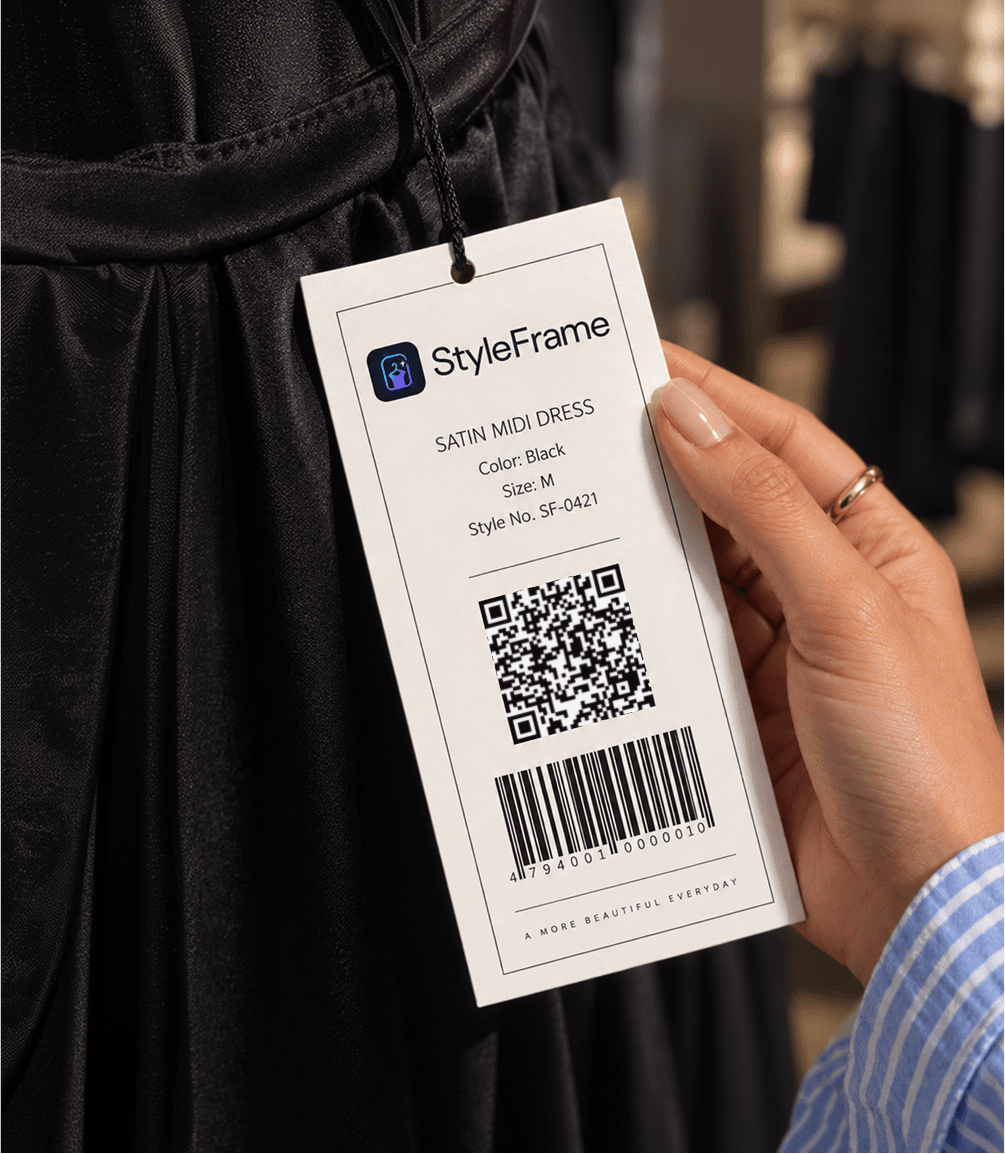
One sticker. Not one per item.
You print exactly one QR code design. It goes on every single hangtag in your shop, about an inch above the existing barcode.
When your stock changes, nothing about the sticker changes. When you open a new branch, it's the exact same sticker.
Print specification
- Size 27 × 27 mm printed (30 × 30 mm sticker)
- Material Matte, black on white
- Error correction Level H (30%)
- Resolution 300 dpi minimum
The shopper journey
Your customer does all of this on their own phone, standing in front of the rail.
Scan the tag
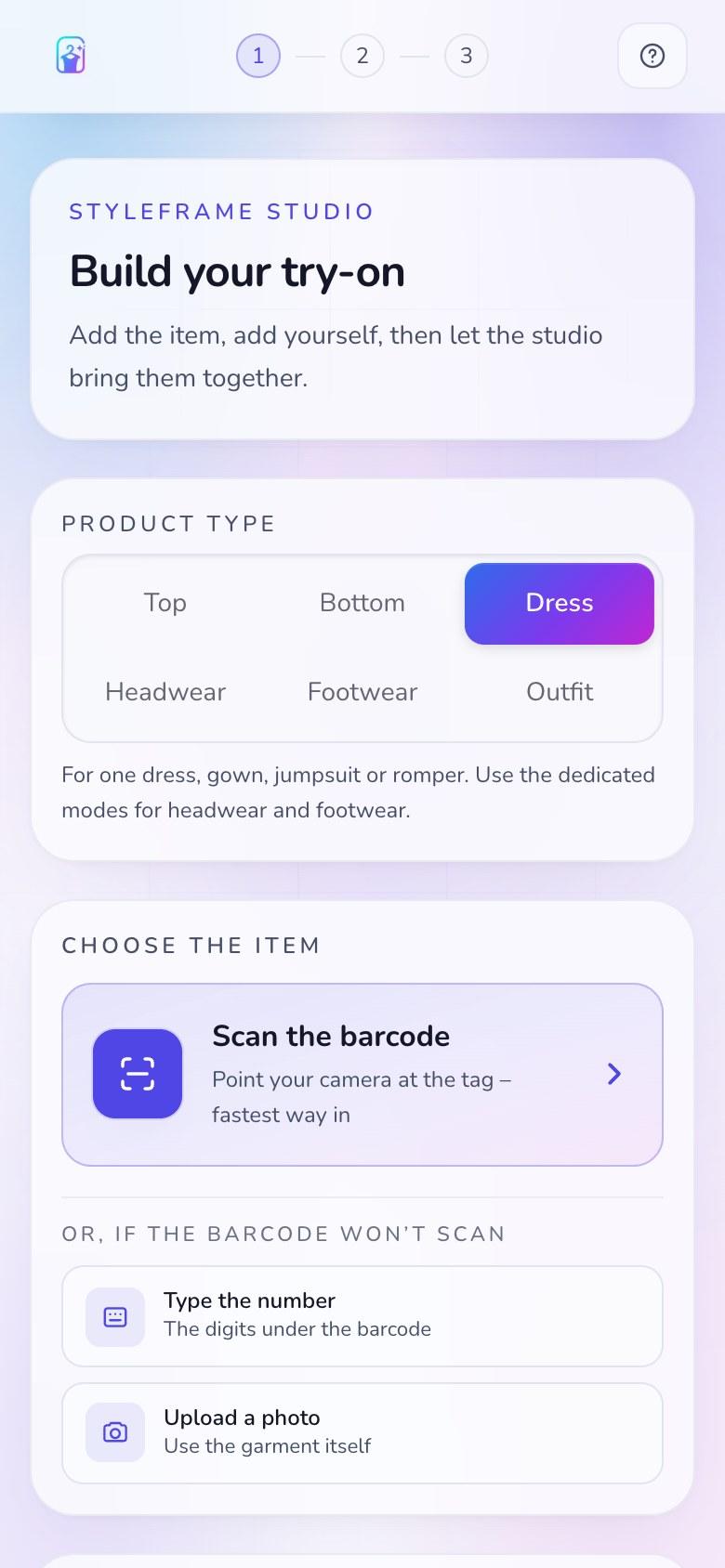
One generic QR, the same on every garment. The web app opens on their phone with no app. Ordinary in-store visits stay anonymous; the public demo uses phone verification. A guided in-store kiosk is planned as a later option.
Take one photo
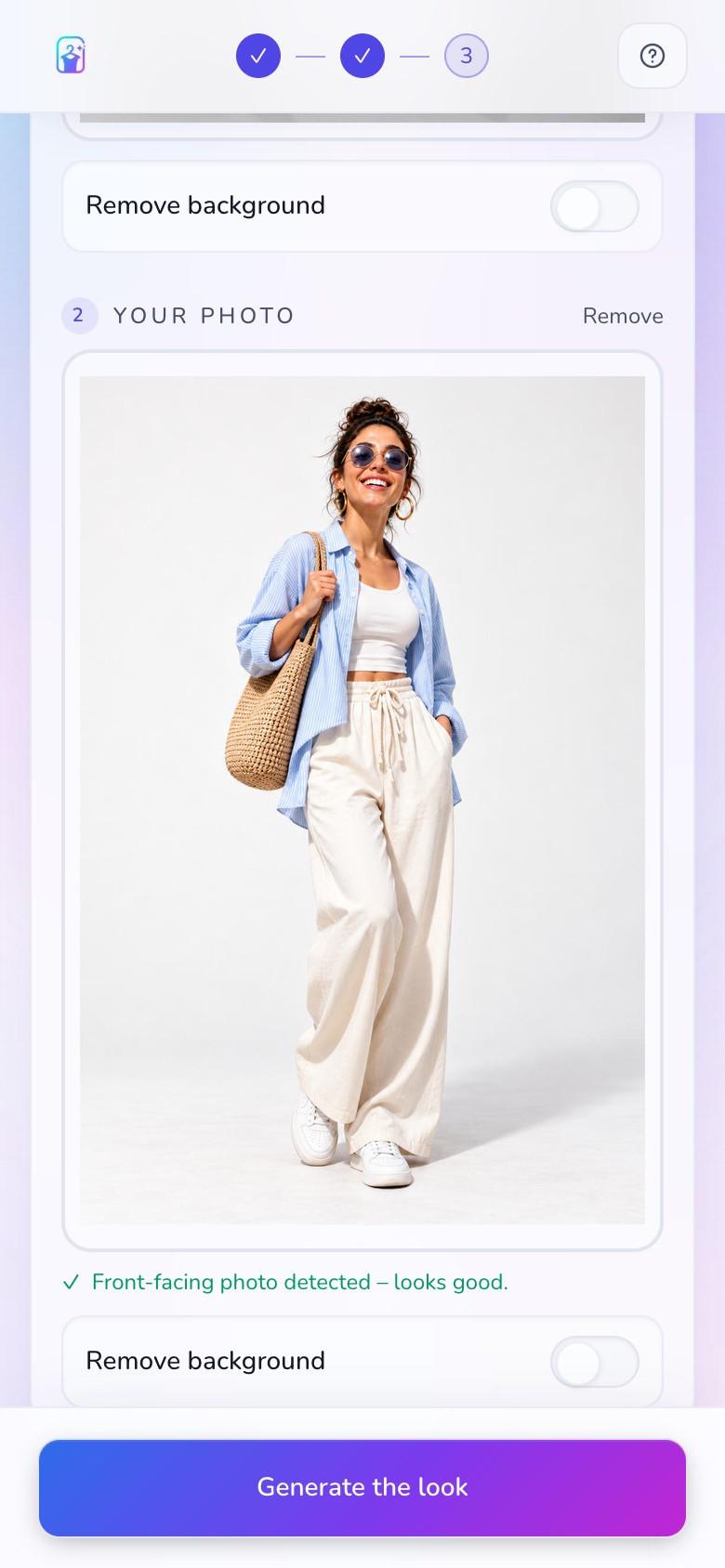
One quick photo of themselves is all it takes to set up a personalised try-on.
Choose what to see
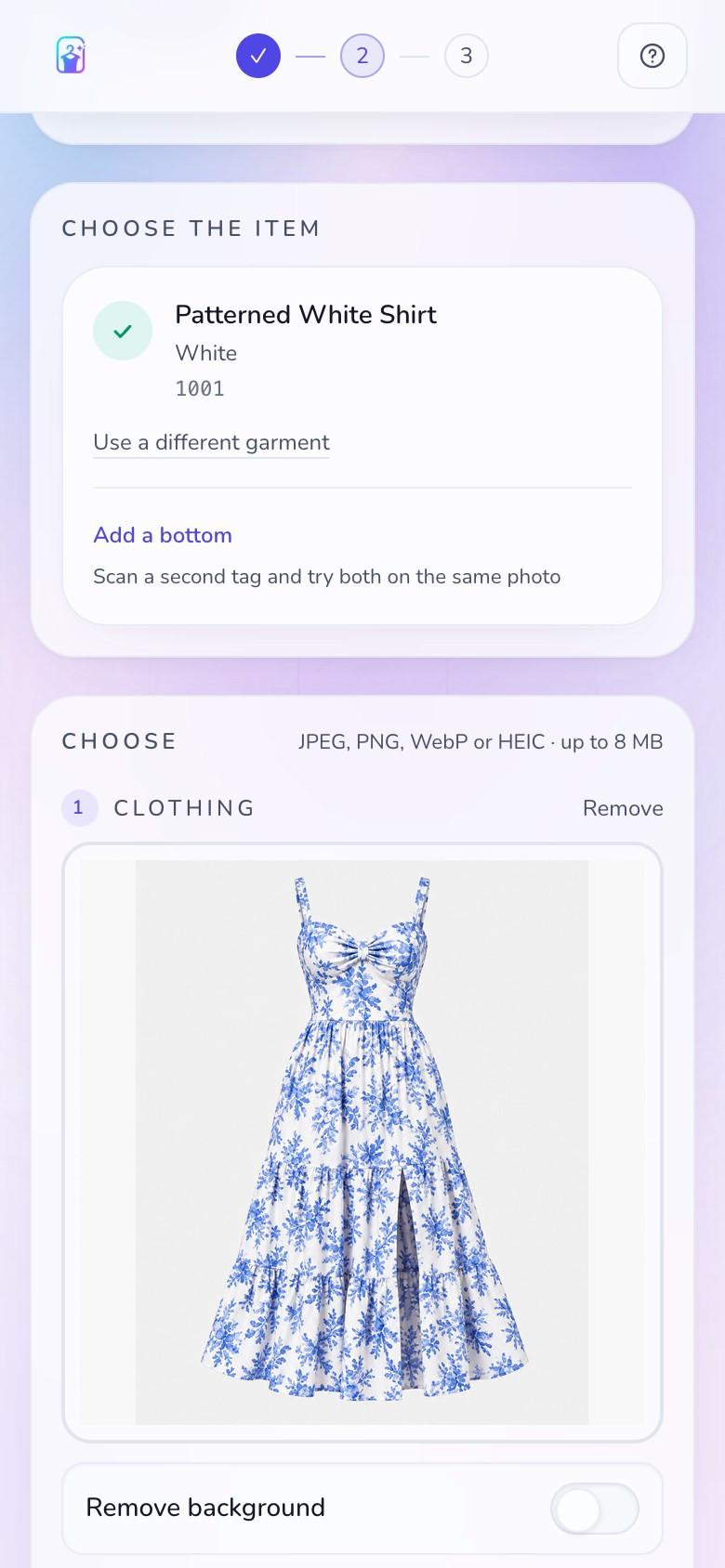
The barcode on the tag names the exact item and colourway. Add more pieces to build a complete outfit and see the combinations they want to try.
See yourself in every look
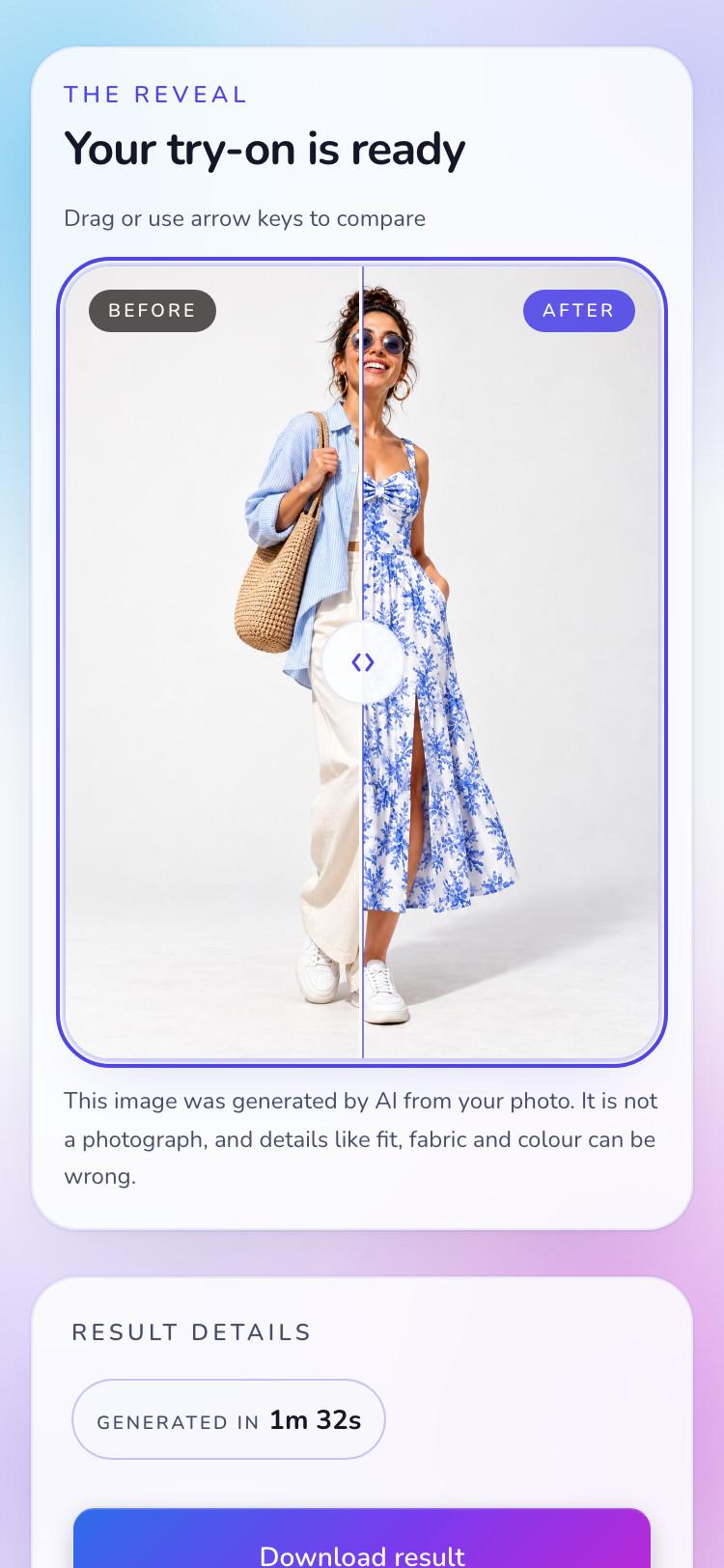
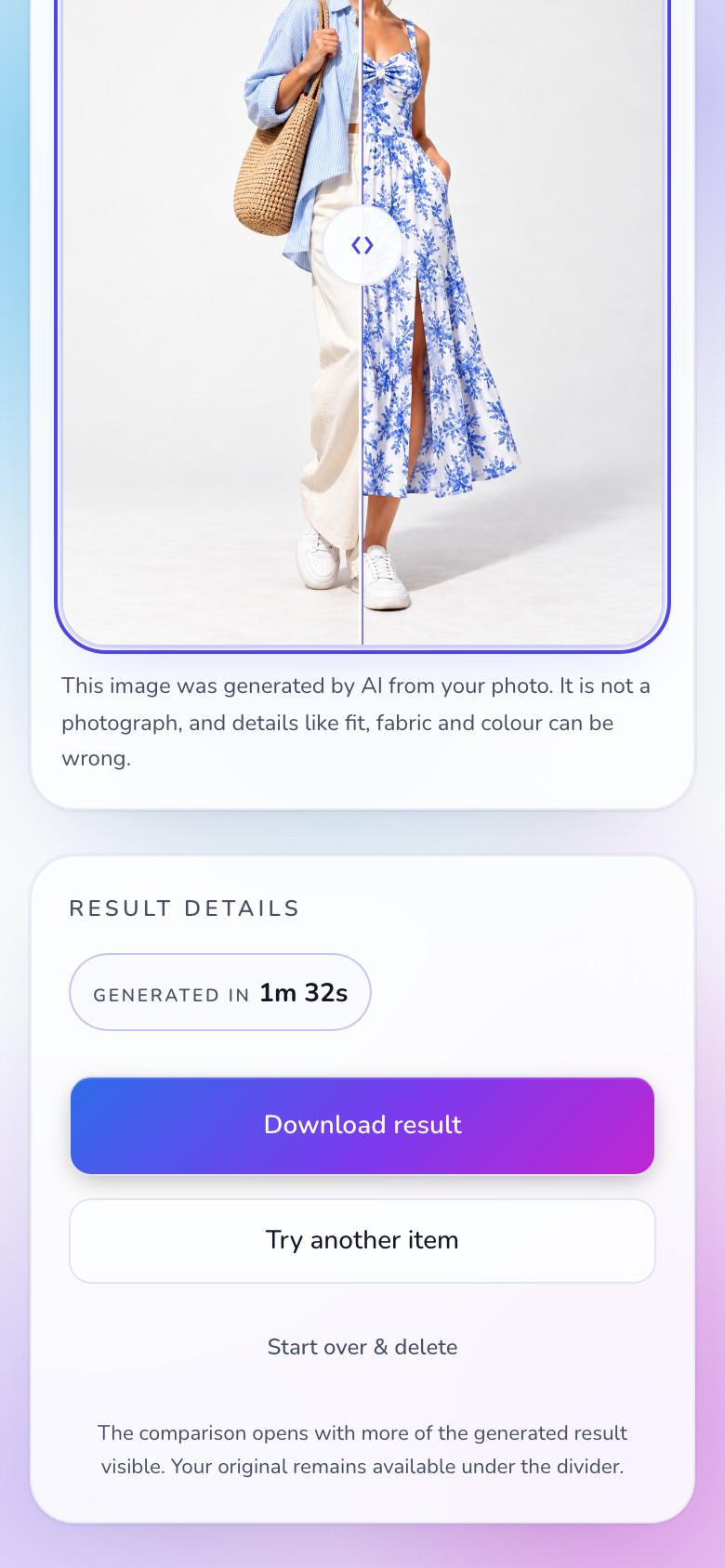
Each look is rendered on them in about a minute, with their own proportions preserved. They check the result against their own photo before deciding.
Choose with confidence
Every look is shown on them with their shape and proportions preserved, so each comparison is personal and every decision is more certain.
What if the barcode is damaged?
If the barcode will not scan, the shopper is not stuck. They can type the digits printed underneath it, or photograph the garment itself. Both paths reach the same catalogue entry.
The on-device photo check
Before any photo is uploaded, we run a lightweight AI model directly on the shopper's phone. It checks whether there is a clear, front-facing person in frame and enough of the body to work with. The check advises; it never blocks.
What does "about a minute" mean?
Rendering a specific garment onto a specific body is genuinely heavy work. A standard generation runs to roughly a minute, and the screen tells the shopper what is happening the whole way through, with a cancel button that always works.
What the shop sees
Every scan and generation is counted anonymously, and we report back which garments pull attention, which pairings shoppers put together, and where interest concentrates. It is data your POS cannot produce.